Deliverability
Part of Checking sales-sequence delivery before and after launch
Checking sender authentication before an outbound pilot
Verify SPF, DKIM and DMARC on messages sent through each actual outbound route before starting a sales email pilot.
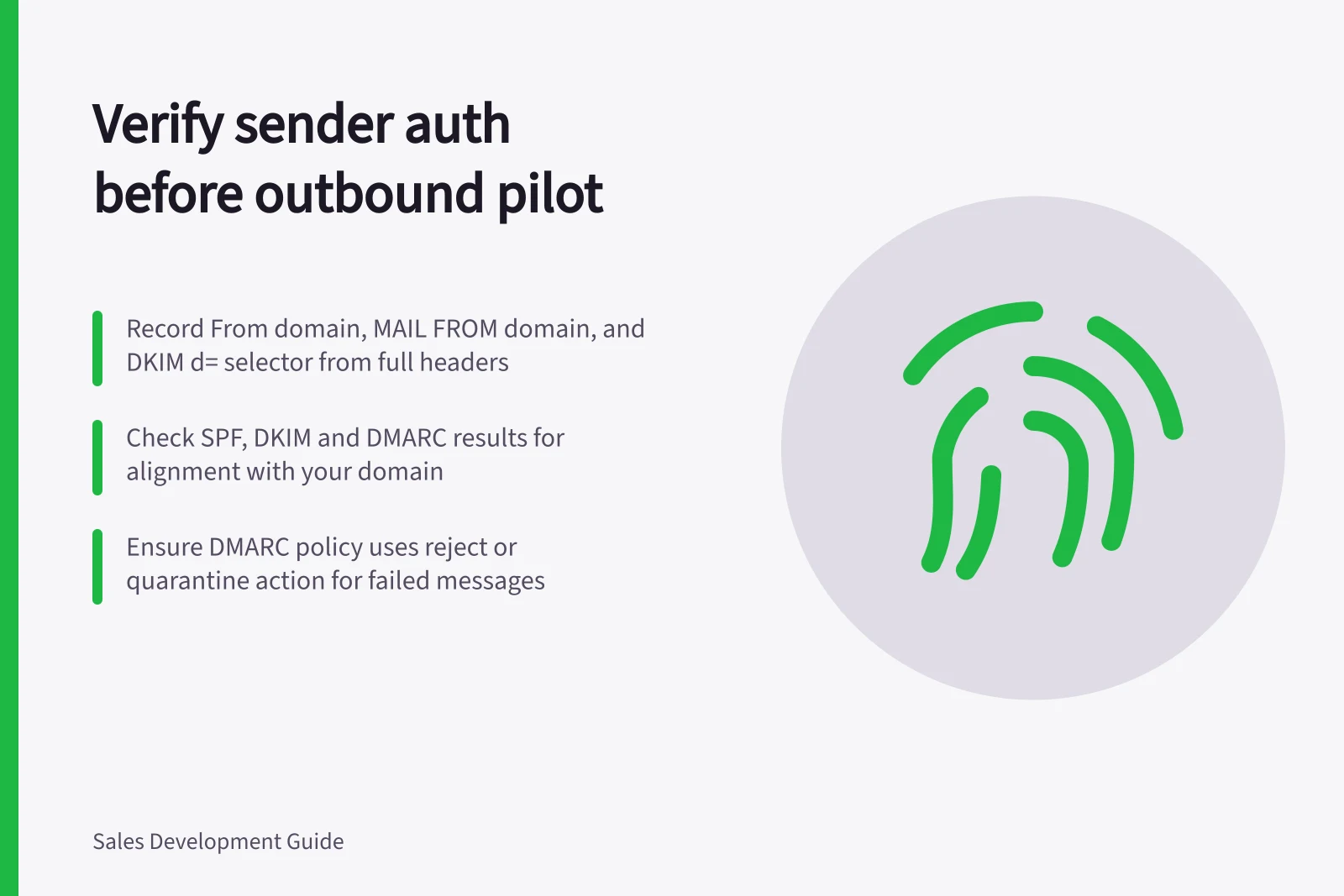
For every route planned for the pilot, send a permitted test using its actual sender identity and workflow. Inspect the received message’s full headers and record its From domain, MAIL FROM (envelope-sender) domain, DKIM-Signature values and SPF, DKIM and DMARC results. Published DNS records are a setup check; they do not prove how a route authenticated.
Inventory the routes
List ordinary mailboxes, sales engagement tools and any other system that will send pilot messages. For each route, record the visible From domain, MAIL FROM or envelope-sender domain, DKIM signing domain and system owner. A test from an employee’s mailbox does not verify a sequence sent by another platform.
Ask the mail administrator to review the relevant SPF, DKIM and DMARC settings against that inventory. DMARC is enabled by creating a DNS TXT record; note its failure action—reject, quarantine or no instruction—and the alignment mode in the published policy. A new sender may need its own domain setup, and SPF changes should be checked against the other authorised senders.
Inspect messages from the real workflow
Send a permitted test to a mailbox the team controls, using the pilot’s sender identity and workflow. Open the received message’s full-header view and retain the complete headers. Record the From address and the message’s MAIL FROM or envelope-sender domain, along with the SPF, DKIM and DMARC results shown for the message.
In the DKIM-Signature header field, record the d= signing domain and s= selector. Compare the MAIL FROM domain with the visible From domain for SPF alignment, and the d= domain with the From domain for DKIM alignment. If a result or domain value is missing, mark it unresolved rather than treating the route as verified.
SPF can pass for a platform’s domain without aligning with yours, and a DKIM signature can pass for an unrelated domain. DMARC passes when at least one method both passes and aligns; apply the relaxed or strict alignment mode in the published DMARC policy. If neither path aligns, have the administrator and platform owner correct the setup and test the route again.
Decide whether each route is ready
Keep one record per route with the message identifier, From domain, SPF result and domain, DKIM result and domain, DMARC result, and any error text. A DNS lookup alone is insufficient evidence that the route works.
Authentication is a prerequisite, not a promise of inbox placement. Keep a route out of the pilot if a result is unexplained, a required value is missing, or it fails the intended checks.