Deliverability
Part of Checking sales-sequence delivery before and after launch
Investigating bounced sales emails
Read nondelivery reports, distinguish temporary from permanent failures and choose a response that fits the actual bounce reason.
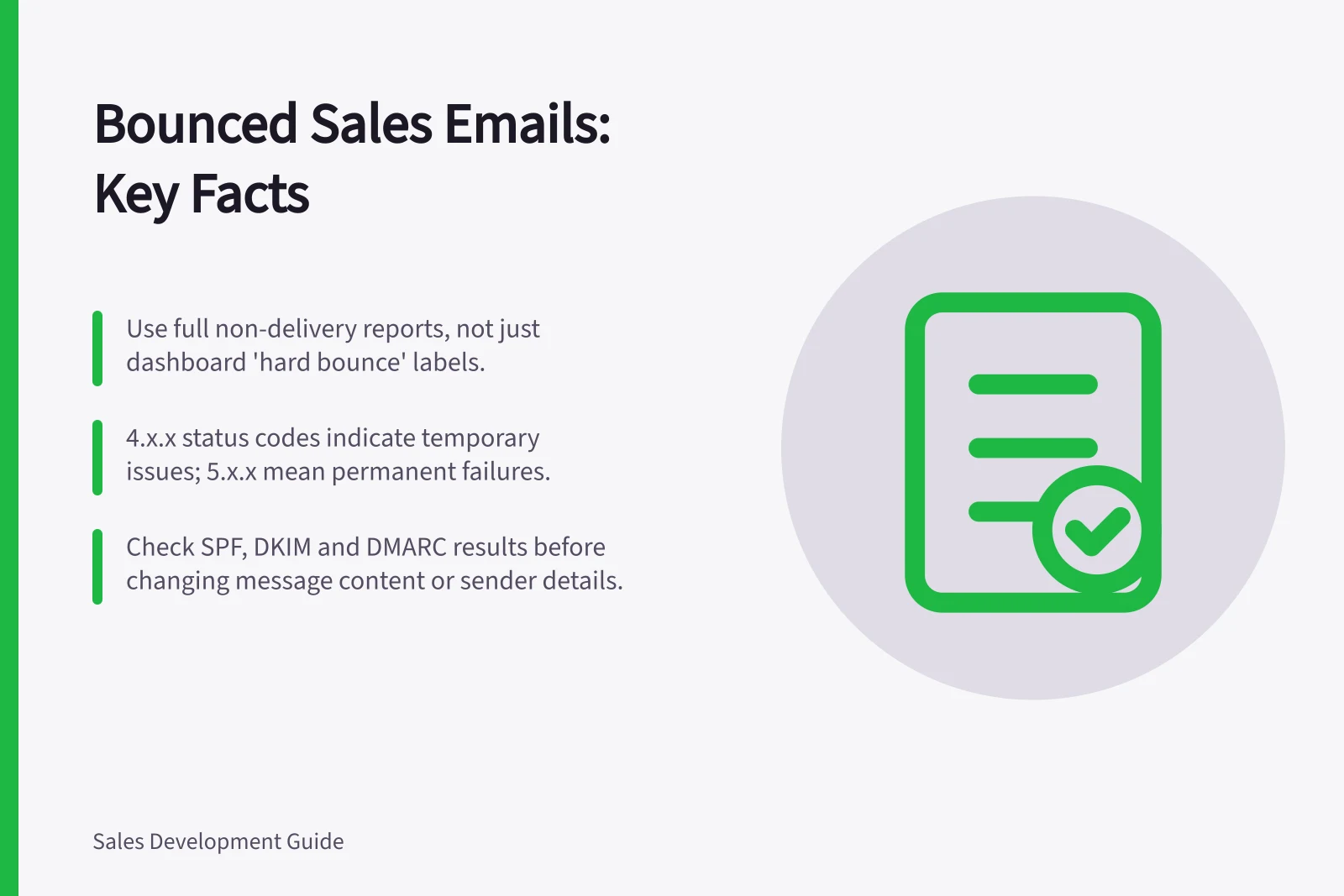
Begin a bounce investigation with the full non-delivery report, not a sales dashboard’s “hard bounce” label. Identify the failed recipient and sending route, then read the full status code and server explanation. Decide whether the address is invalid, delivery is temporarily deferred, or a security or policy check needs an administrator.
Preserve the failure details
Save the time, message identifier if available, rejected address, reporting and remote servers where shown, enhanced status code and SMTP response. A report may not show every field in every system. If a message had several recipients, identify which address failed. Group failures by sender, route and receiving domain before assuming a shared cause.
A 4.x.x enhanced status code means a temporary problem; a 5.x.x code means a permanent one. The first digit alone does not explain the cause; use the full status and server explanation captured above to assess details such as an unknown recipient, rate limit, authentication failure or recipient restriction.
Temporary vs Permanent Bounce Codes: What They Mean
- 4.x.x Code — Temporary failure – delivery may succeed later
- 5.x.x Code — Permanent failure – address is invalid or blocked
Choose an action that fits the response
| Report indicates | First response |
|---|---|
| Address or recipient is invalid | Stop automated attempts. Check the address against a trusted current record; do not guess a replacement. |
| Temporary deferral or rate limit | Review the response and affected sending rate. Let the mail administrator assess retry behaviour. |
| Authentication failure | Inspect the actual route’s SPF, DKIM and DMARC results before changing copy or prospect selection. |
| Recipient policy restriction | Ask the administrator to interpret the restriction; repeated attempts may not help. |
Microsoft says Exchange Online 550 5.1.1 through 5.1.20 errors generally concern an unfound recipient or invalid routing. Use the actual report wording to guide the investigation.
Close the loop
Pause a clearly invalid address in the sequence while it is reviewed. For deferrals, examine recent changes to sending volume, domain, tool or message format. Follow the receiving server’s response rather than applying a fixed retry timetable.
Keep bounce status separate from opt-out status. Repairing an address must not reactivate marketing contact for someone who has unsubscribed. Record the cause, action and evidence from any subsequent permitted send. If the cause remains unclear, leave the affected route or records paused.