Deliverability
Part of Outbound follow-up sequences
Avoiding simultaneous outreach from several representatives
Prevent two representatives or automations from approaching the same prospect with overlapping sales messages.
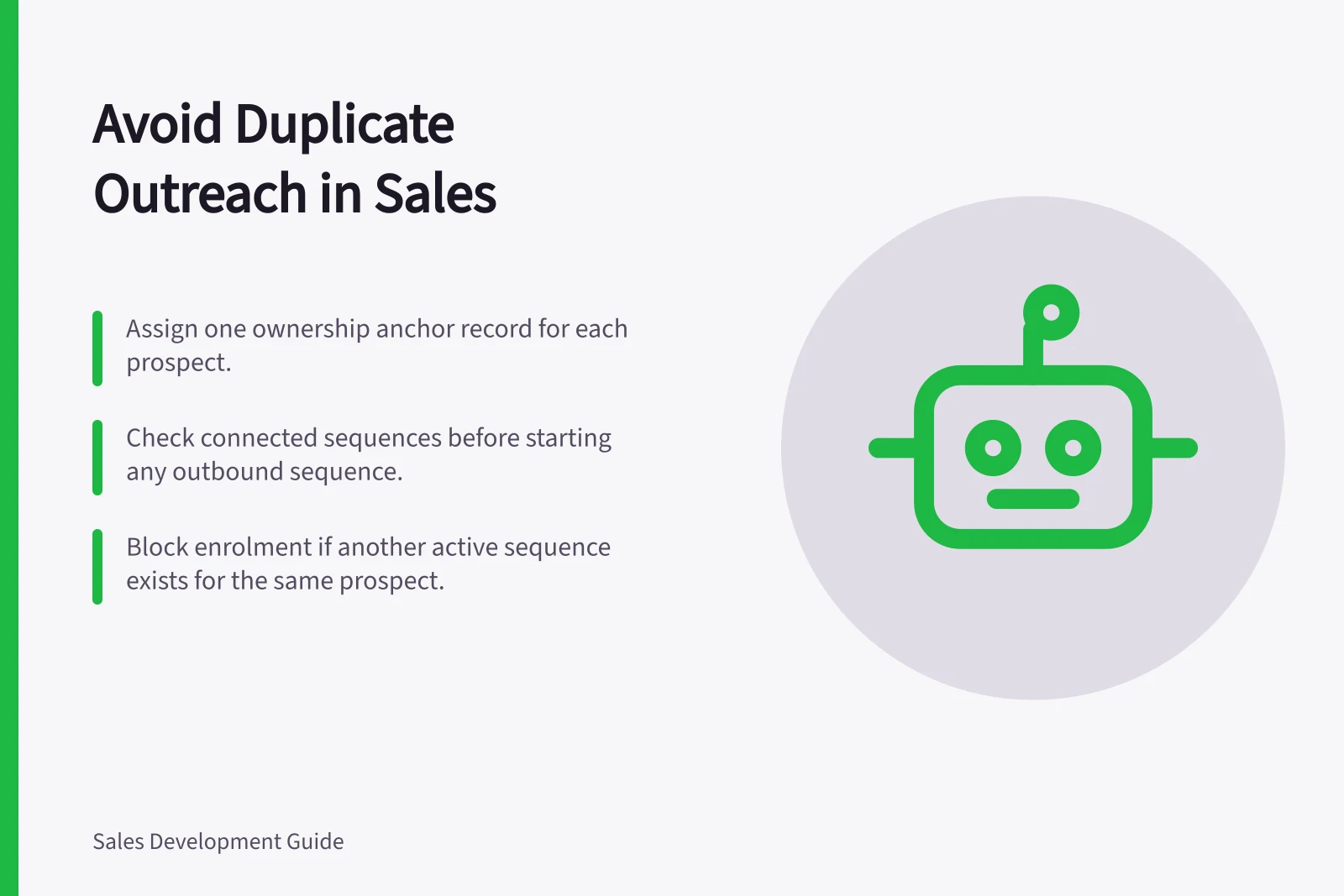
Leads, contacts and account records can sit in different tools, leaving two representatives each assuming they own the follow-up. Choose one shared record as the ownership anchor and check it before starting any outbound sequence.
Assign an owner before sending
Decide whether the account, opportunity or named contact is the ownership anchor. Record the current owner, last contact and next planned touch there, and make that record the team’s check before enrolment.
In Microsoft Dynamics, a sequence is connected to a record entity, and its activities appear in the record’s Summary under Up next in My work. The Connected record tab shows records linked to a sequence; when connecting leads through the described selection page, available leads are those not connected to any sequence.
Dynamics allows multiple sequences to be connected to a record. It also warns that connecting the same segment to the same sequence more than once for the same record and seller creates duplicate activities in Up next, so check the connected records before adding it again.
Use a simple enrolment rule: if the ownership record already has an active outbound sequence for that prospect, do not start another. If two representatives are already active, the current owner keeps the sequence and the other representative pauses or closes theirs; record a handover if ownership is changing.
Put a guardrail around automation
Apply the same check before manual or automated enrolment: confirm the ownership record, inspect its connected sequences, and block the new enrolment if another outbound sequence is active. Test the rule with duplicate records and multiple email addresses so the same person is not enrolled twice.
If records are duplicates, merge them carefully and preserve contact history. Review account-level contact frequency and complaints as well as individual representative activity.
Compliance & Best Practice Stats
- Dynamics 365 duplicate activity warning
- Alerts when same sequence is linked twice to a record
- Best practice: single ownership per prospect
- Reduces risk of overlapping messages and improves deliverability