Outbound Messaging
Outbound follow-up sequences
Build outbound follow-up around a reason to contact, shared ownership, clear stop rules and compliant channel preferences.
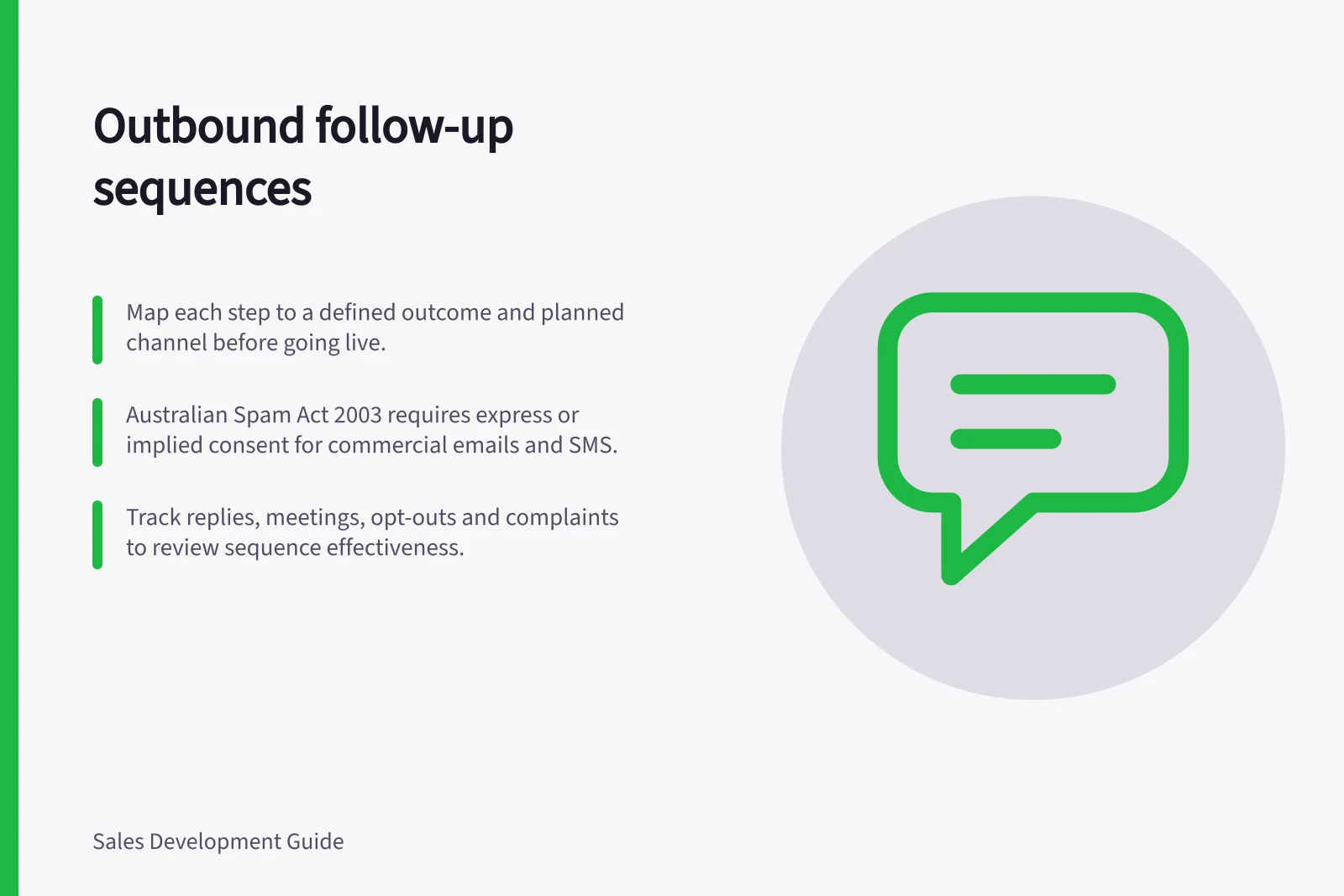
A sequence can help a sales team remember a promised follow-up. It can also multiply unwanted contact if every step repeats the same pitch or several representatives approach one prospect. Before the sequence goes live, map each step to a defined outcome and a planned channel.
Design the sequence around the buying journey
Before writing messages, define the sequence's intended outcome and the buyer context it serves. Steps can support awareness, qualification or conversion; set a goal for each stage so the flow stays purposeful and every contact is more than a generic reminder.
Set the sequence against the organisation's ideal customer profile, relevant buyer triggers and common objections. These inputs help decide which prospects belong in the sequence and what sellers may need to address, without assuming every prospect follows the same path.
Plan more than one communication format where it suits the buyer's context. Email, phone and social outreach are examples; vary the mix with the buyer path rather than fixing it for every prospect.
Start with a manageable pilot
A small pilot makes it easier to check whether the sequence works before extending it to more lead sources or channels. Start with one high-volume source and one sequence rather than connecting several tools and sources at once.
For the pilot, compare speed to first contact and reply or meeting uplift against the team's existing manual process. Aim for first contact in under five minutes for hot inbound leads, then watch these measures over two to three weeks before expanding.
Relevant signals include replies, clicks and call outcomes. Review whether the planned touchpoints and formats support the intended goal, rather than assuming one template performs equally well for every audience.
Manual vs. automated follow-up: performance benchmarks for Australian sales teams
- Reply rate improvement
- Up to 3x higher with structured sequences
- Compliance risk
- High with unmanaged multi-representative outreach
Give each contact a reason
Each contact should have a reason to exist (see the sibling article on giving each follow-up a distinct reason).
Make the workflow visible to sellers
In Dynamics 365 Sales, connecting a sequence to a record makes its activities appear in order under “Up next” in the record's Summary and in My work. Sellers see the next planned activity in the sales app instead of relying only on a separate reminder.
Dynamics 365 Sales lets you connect records to a sequence through the sequence, a record-type grid view, an individual record or Power Automate. Records can be assigned only to sequences in an active state, so confirm the intended sequence is active before connecting records.
Connecting the same segment to the same sequence more than once for the same record and seller can display duplicate activities in the Up next widget.
Respect channel and stop rules
Australian commercial emails and messages have consent and unsubscribe requirements under the Spam Act 2003. For calls, follow applicable telemarketing rules, including the Do Not Call Register Act 2006. A prior purchase does not automatically grant broad permission.
See the sibling articles on when to stop contacting a prospect and on recording opt-outs across sales systems.
Pros and cons of using automated multichannel follow-up sequences
- ProsScales consistent messaging, reduces missed touchpoints, improves compliance when configured correctly.
- ConsRisk of spam if consent is not verified; can lead to duplicate outreach if not managed across systems.
Check the consent basis for electronic messages
Consent may be express, where a person actively agrees to receive messages, or implied through a relationship where further communication would reasonably be expected. Keep the contact context in view: an enquiry, an old business card or a scraped address does not by itself establish lasting permission.
The Spam Act 2003 covers commercial electronic messages such as email, SMS and instant messages, including business-to-business messages. Check that the sequence's intended messages have an appropriate consent basis before enabling them.
Key compliance metrics for Australian outbound messaging
- Do Not Call Register
- Mandatory check for telemarketing calls
- Express consent requirement
- Must be clear, specific and voluntary
- Implied consent conditions
- Only valid if communication is reasonable within an existing relationship
Review outcomes that matter
Track relevant replies, meetings that fit the buyer's need, opt-outs and complaints alongside volume. Review these outcomes against the sequence's intended goal before extending it to more prospects.
See the sibling article on avoiding simultaneous outreach from several representatives.
In this guide
- Giving each follow-up a distinct reason to existMake every follow-up add a specific useful reason to contact rather than repeating the first pitch.
- Choosing when to stop contacting a prospectSet explicit stop conditions for outbound contact, including opt-out, irrelevance, handover and lack of new purpose.
- Recording opt-outs across sales systemsCapture opt-outs once, propagate them across all sales systems and verify that queued messages cannot re-contact the person.
- Avoiding simultaneous outreach from several representativesPrevent two representatives or automations from approaching the same prospect with overlapping sales messages.